Download the Vienna Assistant app installer from the Free Instruments overview page, the menu above, or directly here:
Please register with us in the top right corner of this page! The Vienna Assistant "Login" button will open the same page.
Choose from the available instruments on the overview page and click the "Download" button. It will open the Vienna Assistant.
Ensure you set your preferred download location, then click the "Install" button.
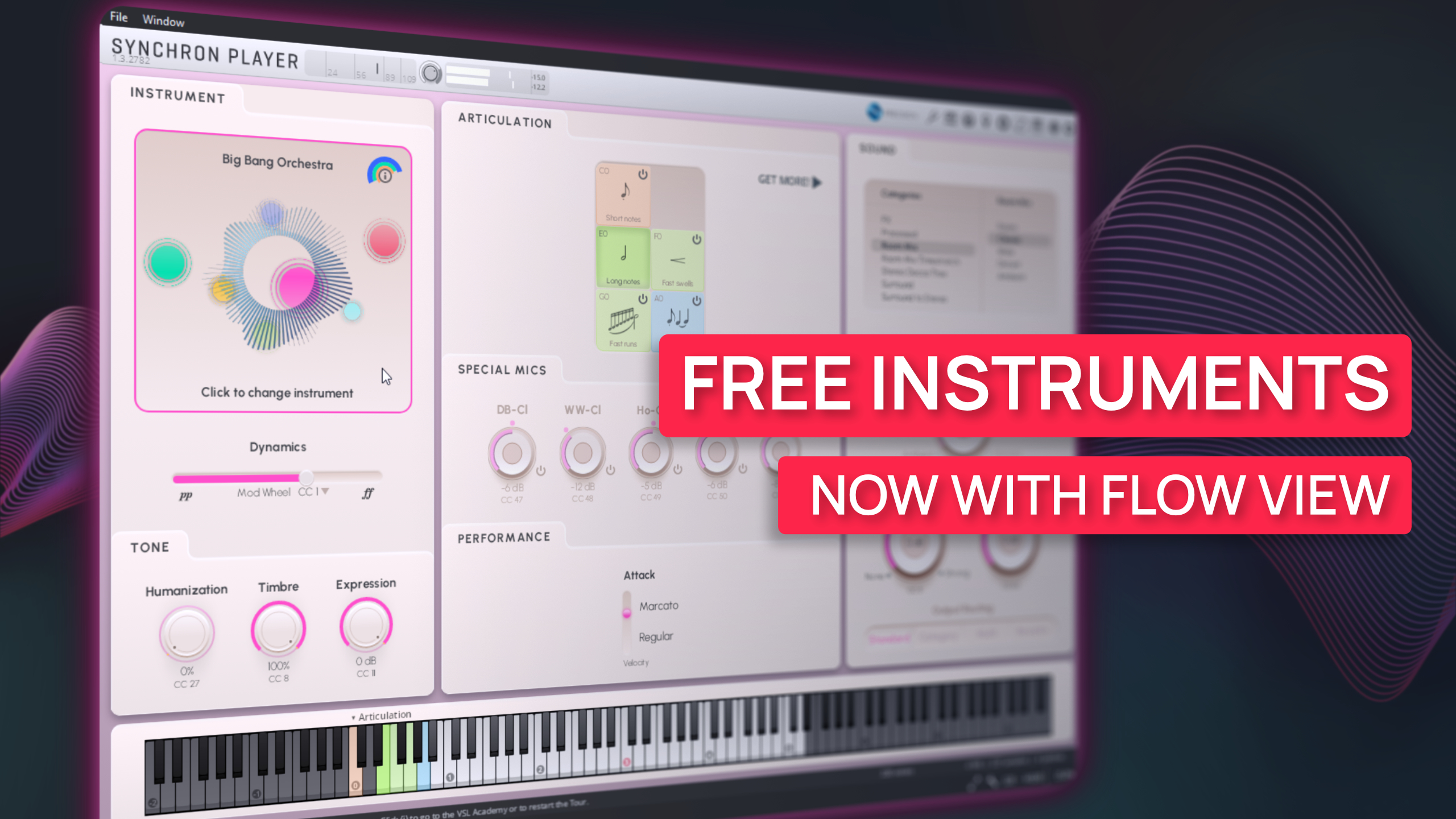
The Vienna Assistant will install both the sample content and the free Vienna Synchron Player.
Done! You can use our instruments via the Vienna Synchron Player app (standalone) or inside your sequencer (plug-in). Enjoy!
Tip
Still having trouble getting your Free Instruments? Contact us with your questions via support@vsl.co.at!