As with other VSL products, install the Vienna Synchron Harp software and sample library using the Vienna Assistant. The software will then show up in your Programs/Applications folder.
macOS:
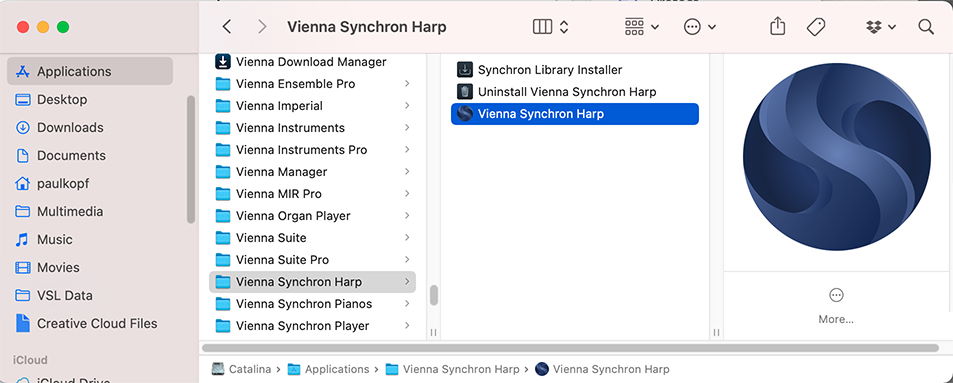
The Vienna Synchron Harp Uninstaller on macOS can be used if you’d like to roll back to an earlier version. Additionally, the plug-ins for VST/AU/AAX will be installed in the corresponding plug-in folders (on macOS: /Library/Audio/Plug-ins and PT).
WIN:
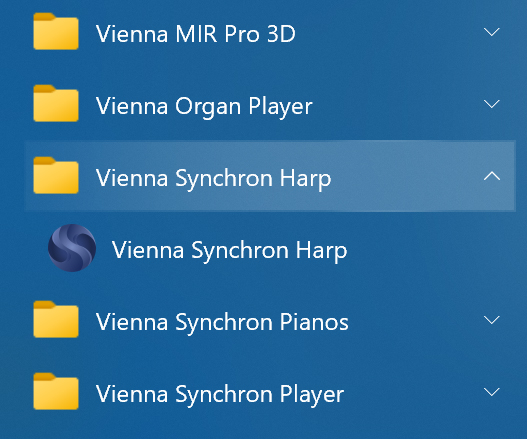
If you want to use the Vienna Synchron Harp as a plug-in, make sure that your host’s plug-in path includes the path you specified on installing the Synchron Harp. If not, you can either add that path to your host or put a copy of "Vienna Synchron Harp.dll" into the host’s plug-in folder.
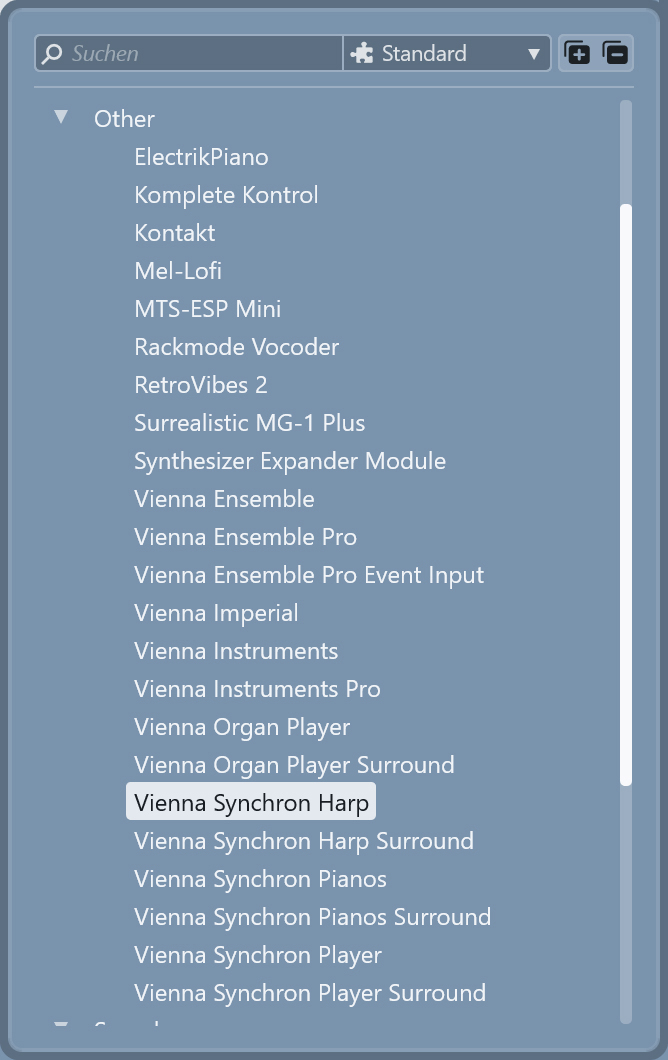
The plug-in is handled like other VST or AAX instruments. “Insert Plugin” in your DAW (Cubase in the example below) and choose the Vienna Organ Player:
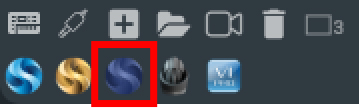
In Vienna Ensemble, you can also insert a Vienna Synchron Harp channel directly by clicking the icon in the lower button bar.
Download and install the Sample Content of your Synchron Harp with the help of the Vienna Assistant. After purchasing the library, your samples will appear in the NEW or Not Installed tab in Vienna Assistant.
Your Sample Content is assigned automatically when you install your Synchron Series products using the Vienna Assistant.
The User Presets Folder that contains all your customized presets can be assigned to a location of your choice.
macOS default location: \Your_Username\Documents\VSL\Vienna Synchron Harp
Windows default location: C:\Documents and Settings\All Users\VSL\Vienna Synchron Harp
Find out more about the database in Settings –> Database.