The new iteration of our mixing and hosting application comes with a fair number of minor and not so minor updates, one of which is already indicated in the two different versions 8 and 8V. The latter provides you with our new Video Pro plug-in, enabling you to work on video projects in synch with your DAW. Here's what you can expect:
Video Pro Plug-in (optional): Synchronize and edit videos over the network.
Vienna Suite Pro Plug-ins: Now includes all of Vienna Suite Pro's powerful plug-ins, with convenient GUI displays embedded in the mixer channel view.
Synchron Stage Reverb SO: A slimmed-down stereo version of our easy-going reverb software.
Server by name: Rather than by IP address, servers are now identified by name, so that no static IPs a needed in your networking setup.
OSC: Open Sound Control is a message-based network protocol for realtime processing of audio signals. Vienna Ensemble Pro now implements OSC commands.
Project data: Data loaded into an instance that already has similar data in it, is speeded up because plugins are now reused rather than recreated/reloaded.
Activity Monitor: Click the CPU meter in the bottom right or go to Options → Activity Monitor. This shows the relative average and peak CPU use of every instance, channel, and plugin in the project, fully sortable and searchable for convenience.
Search:
Ctrl/Cmd+Fto pop up a search box for the current instance,Ctrl/Cmd+Shift+Ffor the entire server. Also in the menus: "Find..." and "Find in instance...".Channel Sets library: There's now a channel sets library dock widget, supporting both factory and user sets. It enables you to insert multiple entries of the same set in one go, or to try out different channel sets by exchanging them.
Version 8.1 introduces some new features of the software:
MCP Server: an included MCP server allows you to let AI assistants drive Vienna Ensemble Pro.
Improved Audio Input plugin: several improvements were made on the plugin.
Automation: the dockable Automation Browser was revamped with different views, undo-redo, and other features.
Channels: the folder and channel enable / disable model was reworked, Folder Disable introduced as an automatable parameter, and a Force Enable action added.
Mixer: inline channel renaming is now possible from the mixer strip.
MIDI: a hierarchical MIDI-input picker nests channels under their port, sets port + channel in one undo step, and flags slots colliding with other strips on the same port/channel. Additional controlling options.
Saving and backups: auto-save is now reworked into a configurable backup system.
Plugin hosting and compatibility: added automatic VST2 to VST3 migration. Channel configuration support aligned with VST3 SDK 2.8.
Crash / hang reporting: the option Help ® Submit Hang Report allows you to submit .dmp or .txt files manually. On success, the event ID is copied to the clipboard.
Vienna Video Pro: the video channel underwent a major redesign.
You can find out more about these innovations in the respective chapters.
As with all our software products, there are video tutorials showing the different features discussed in this manual!
Vienna Ensemble Pro 8
Introduction
Vienna Ensemble Pro 8
Introduction
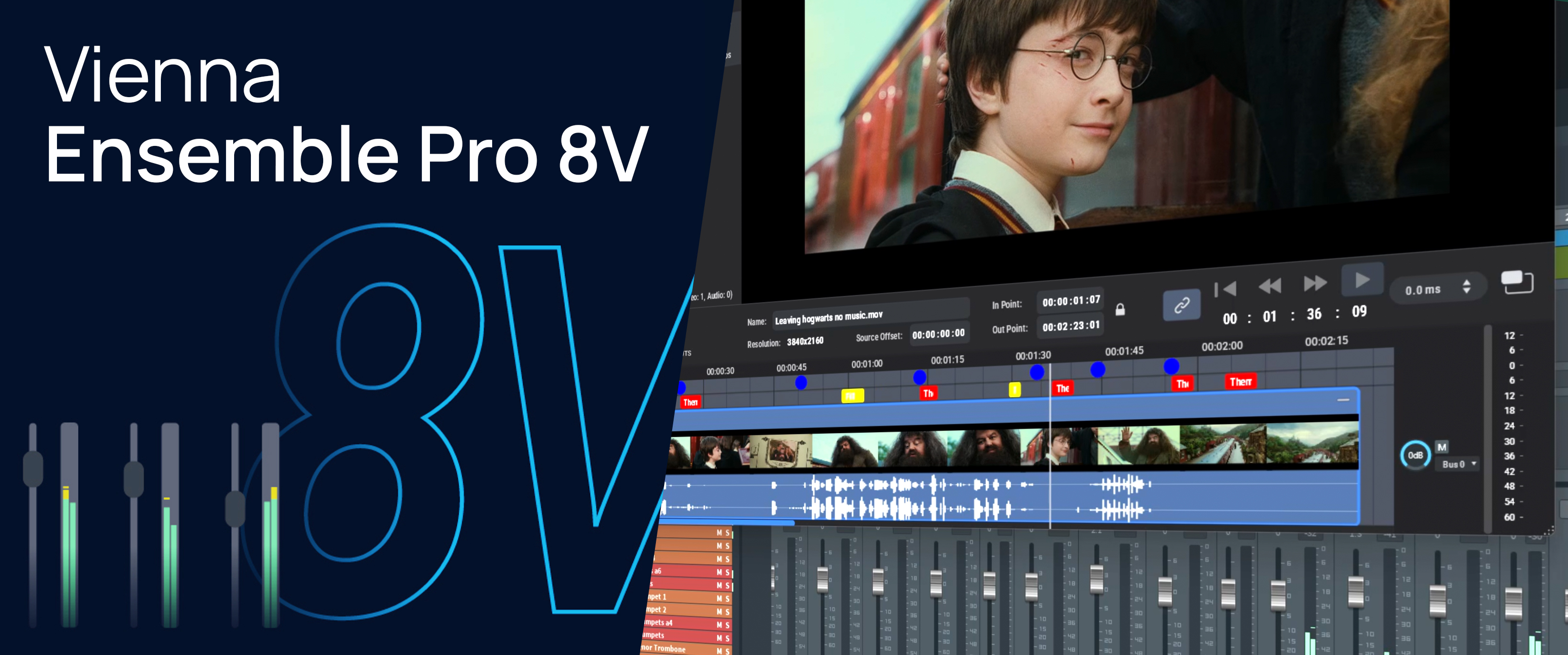
Vienna Ensemble Pro 8V
Introduction
Vienna Ensemble Pro 8V
Introduction