In the piano selector, only pianos with active license and installed content are displayed.
If you are lucky to have more than one of our Synchron Pianos available, the piano symbol on top of the Synchron Pianos menu bar will let you switch between those incredible instruments.
If only one piano is licensed or installed, its default preset is loaded automatically at launch – no need to click any preset to get sample playback. Your default preset is only loaded if the matching content is installed.
The currently loaded piano is framed in white. Hovering over one of the entries (indicated by a gray frame) calls up a description in the selector's lower area.
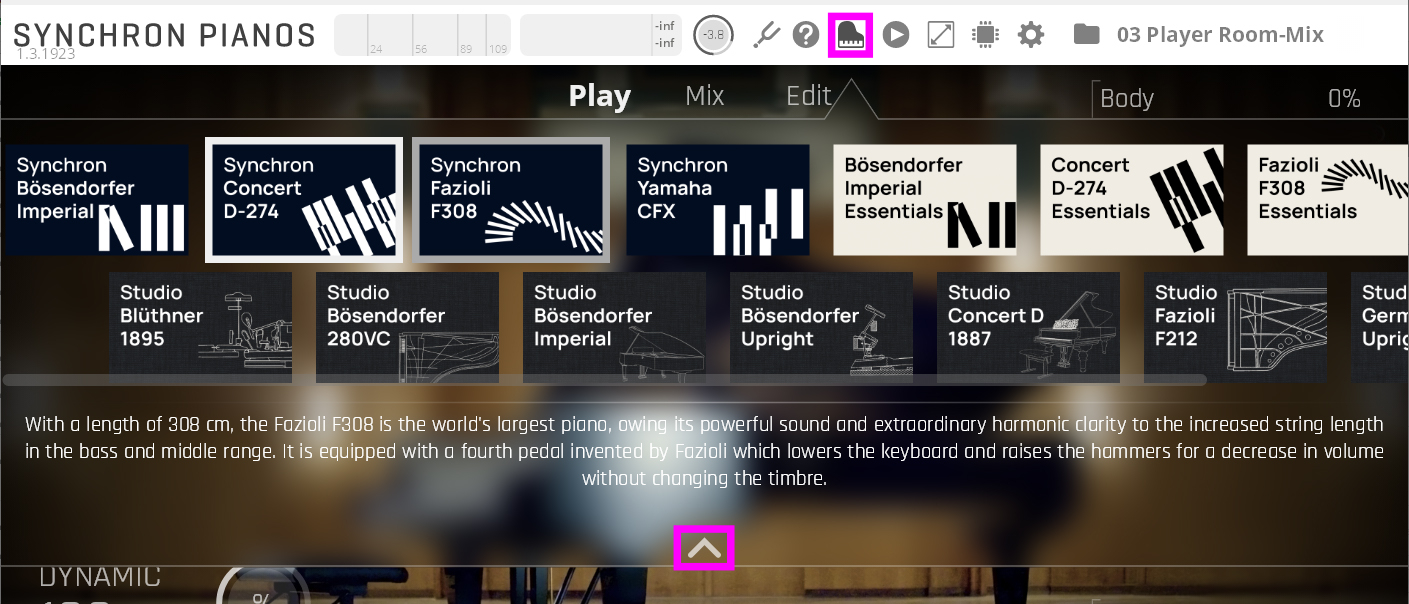
Close this window by clicking the piano icon or the arrow at the bottom of the overlay.
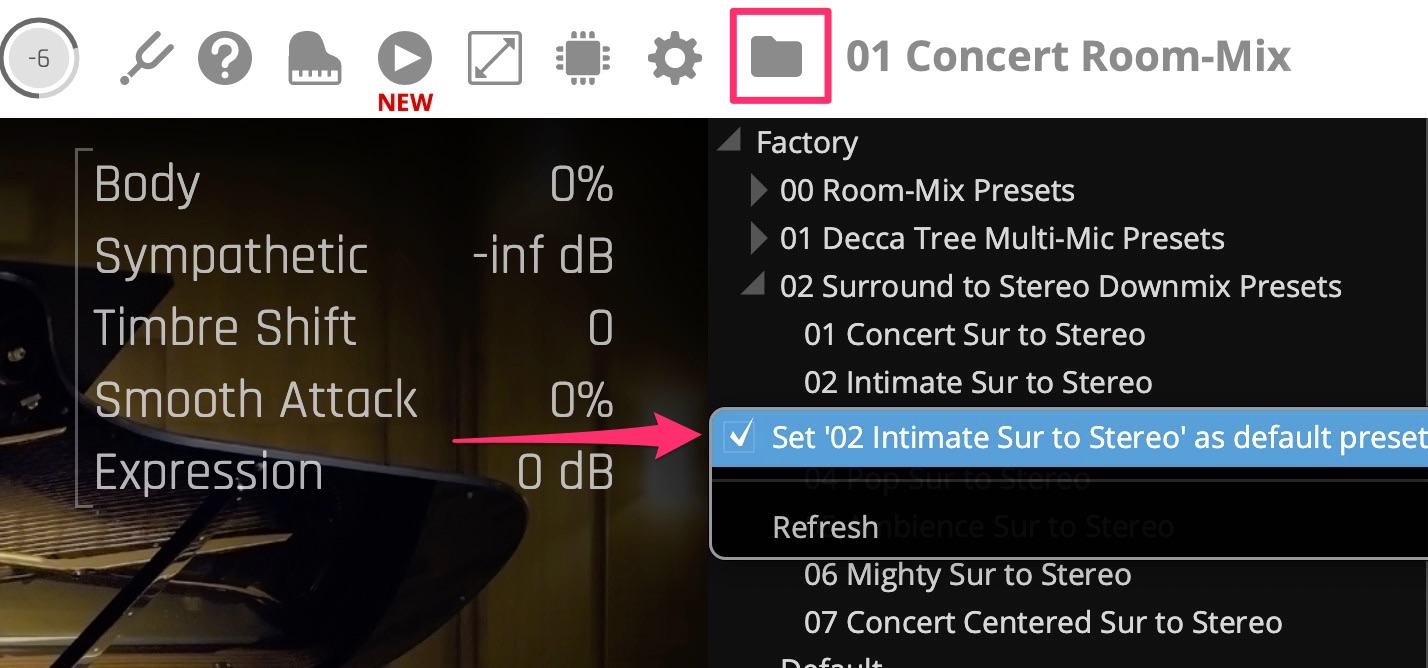
Right-click a preset name in the Preset Browser and make your favorite preset the default preset which will be loaded automatically when you insert your Synchron Pianos (plug-in and standalone version).