Compact View shrinks Vienna Performer to a small strip, so it takes little space on your screen while you work in your DAW. Click Compact View in the header to switch to it, and Full View to go back.
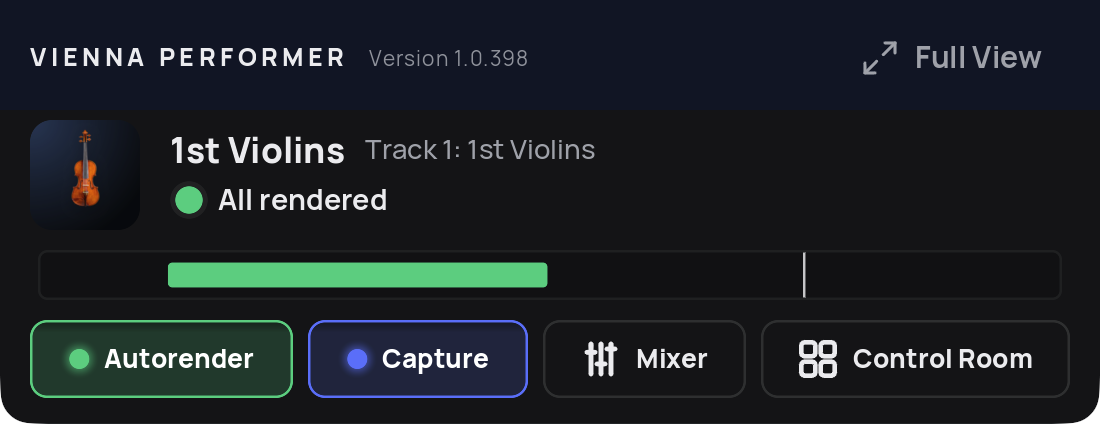
Compact View shows:
The track number and name, the instrument and its status, and whether Capture is on. The status shows "All rendered" when every performance of this instance is rendered, otherwise how many still need to be rendered, for example "12 not rendered". It covers this instance only, not the whole project.
A small overview of the performances on the timeline, in their status colours.
The Autorender and Capture switches (the modifier keys work here too).
Mixer and Control Room, with the same functions as in the full view.