Important
If your system has no internet access, you will not be able to use the Vienna Assistant. Please find further details below.
Our products can be used on machines without internet as long as the licenses are activated on a physical iLok key. Offline installation is a good option if you have a slow internet connection or want to install your products on a computer that is not online.
Log in to the Vienna Assistant on a machine with internet access.
Locate the Software category in the main view, then download the installers to an external drive (e.g., a USB drive) via the context menu.
Install the sample content from your online machine onto the external drive (or copy if already installed).
Connect your external drive to the offline machine.
Use the prepared software installers and install your players and plugins.
Copy the already installed sample content from the external drive to a local drive.
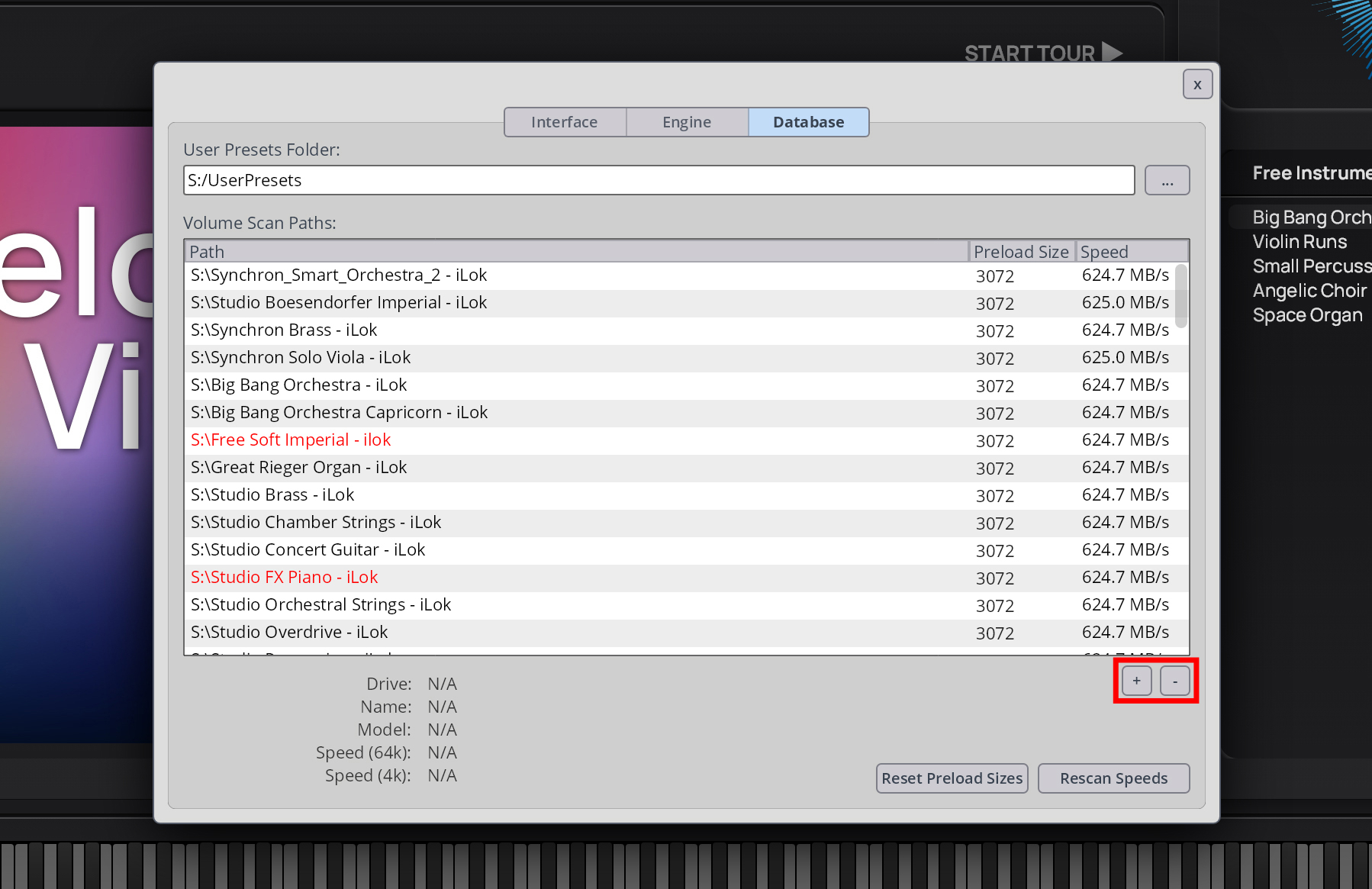
Open your VSL sample players and add the paths of your local samples to the player database.
Info
Find more information on our player database settings for the various Synchron Players in the respective manuals.